
Group Redirect: The Hidden Workhorse of Every SharePoint Online Tenant
If you’ve ever tried to manage audiences, permissions, or access requests in SharePoint Online, you already know the struggle. Between juggling SharePoint groups, site permissions, and user expectations, it’s easy for chaos to creep in. That’s where Group Redirect steps in — quietly doing the hard work behind the scenes to keep your SharePoint tenant organized, secure, and user-friendly.
Group Redirect is one of those unsung heroes that many admins don’t realize they need — until they see how much smoother their SharePoint experience becomes. Let’s break down what makes this product so powerful.
1. Smarter Audience Targeting Through Group-Based Redirection
Sometimes, different users need to see different things — and that’s perfectly normal. Maybe your leadership team should see an executive dashboard when they land on the home page, while your project teams should see an operational workspace. Group Redirect makes that effortless.
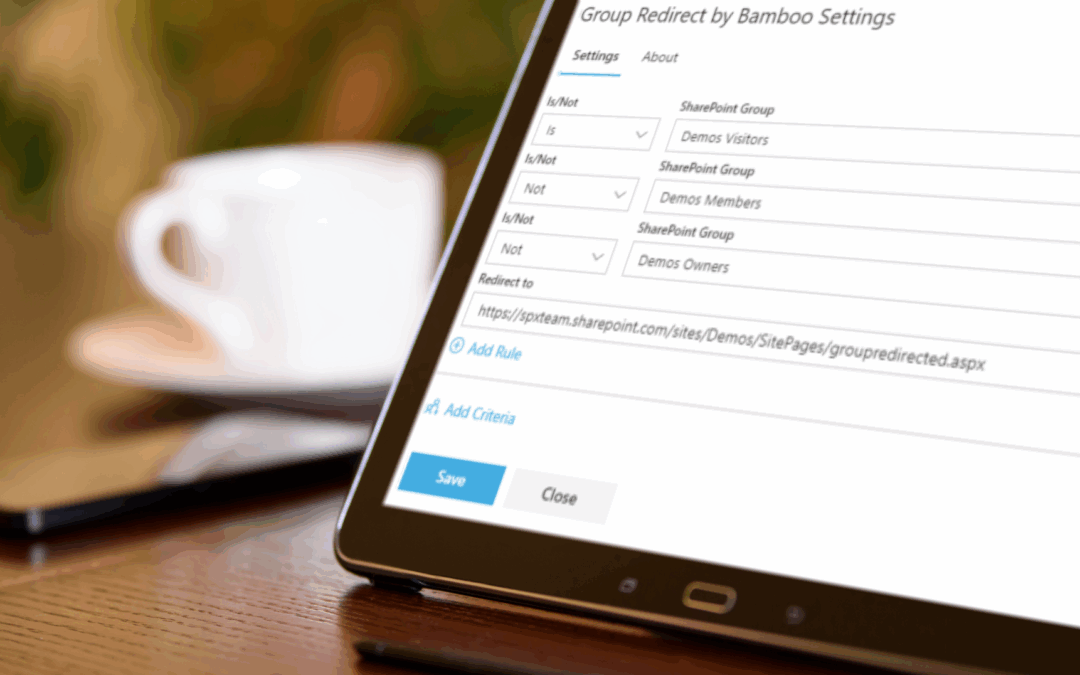
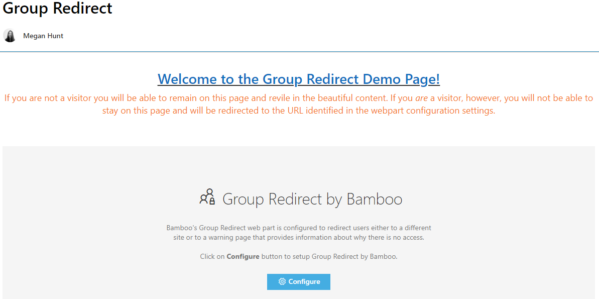
With Group Redirect, you can automatically route users to the right page based on their SharePoint group membership. No code, no workflow — just clean, dynamic redirection.
Here’s what that means in practice:
- Personalized experiences: Tailor landing pages by department, region, or role.
- Cleaner navigation: Users go straight to the content that matters most to them.
- Less confusion: No more one-size-fits-all home pages that don’t fit anyone.
- Improved productivity: The right people see the right resources, right away.
It’s audience targeting — but done right. While SharePoint offers some out-of-the-box personalization, Group Redirect gives you true flexibility and control without the complexity.

2. Say Goodbye to Unwanted Access Requests
Let’s be honest, we’ve all seen it happen. That same user from last Tuesday is again requesting access to a page they shouldn’t see. And just to make sure you notice, they click that little “Send Request” button half a dozen times. Now, multiple admins are getting flooded with notifications they’ll have to manually deny, again.
Here’s the real danger: in SharePoint Online, anyone who receives that access request email can click “Accept” and inadvertently add that user to a permissions group. That one innocent click could give them access not just to that page, but to other areas of your site as well. That’s how data starts leaking into the wrong hands.
Group Redirect eliminates this problem completely. By restricting access based on SharePoint group membership, it ensures:
- Users who shouldn’t see a page never even get the option to request access.
- Admin inboxes stay clean — no more “Can I get access?” spam.
- Permission creep is prevented at the source.
- Security and compliance risks are dramatically reduced.
Simply put, Group Redirect doesn’t just redirect users, it redirects the problem before it reaches you.
3. Why Every Tenant Needs It
Group Redirect doesn’t draw attention to itself — and that’s a good thing. It just quietly makes SharePoint behave the way you always thought it should.
Key advantages include:
- Granular control over content visibility
Reduced administrative overhead
Fewer accidental permissions mistakes
Streamlined user experience
Increased security for sensitive content
When you add it up, the ROI is clear: less frustration, more productivity, and stronger governance across your SharePoint Online environment.
The Bottom Line
Group Redirect is more than just a utility — it’s a silent enforcer that keeps your SharePoint tenant running smoothly. It gives users a seamless, personalized experience while protecting your organization from accidental access risks.
If you’re managing multiple audiences or tired of dealing with access requests that should never have been sent in the first place, it’s time to put Group Redirect to work.